


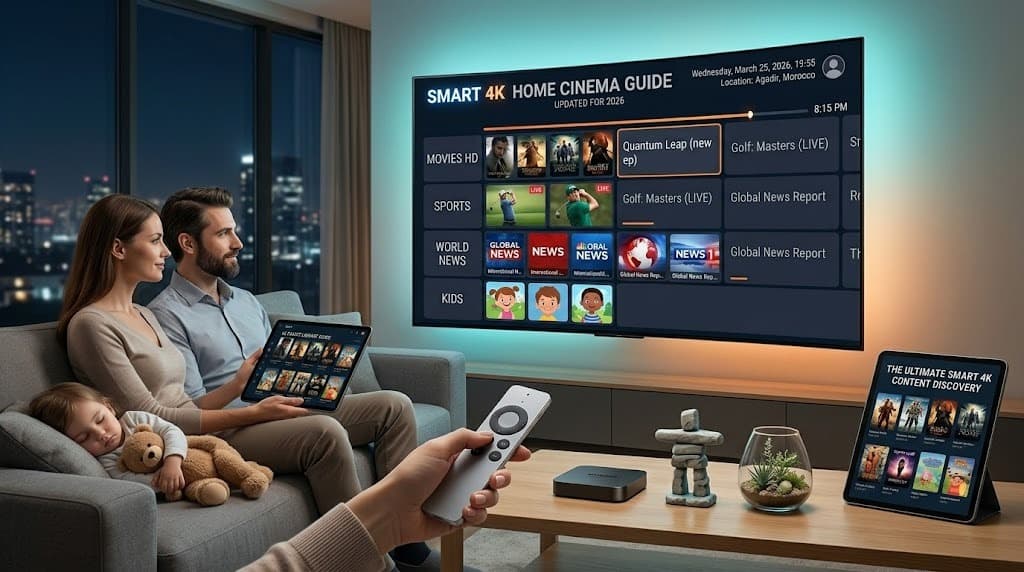
Your A-Z Guide to Firestick IPTV Setup for 2026
The complete A-to-Z Firestick IPTV setup in 2026 takes about 10 minutes: enable Unknown Sources → install Downloader → sideload TiviMate or IPTV Smarters Pro → enter your M3U URL or Xtream Codes → configure EPG → optionally install a VPN. Full guide with screenshots and troubleshooting below.
📋Table of Contents
- ▶Unleashing Your Firestick's Full 4K Streaming Capabilities
- ▶Step 1: Configure Your Device for Sideloading (The "Jailbreak")
- ▶Step 2: Install the Downloader Application
- ▶Step 3: Get the Premier IPTV Player (TiviMate)
- ▶Step 4: Integrating ORCA 4K TV with Your Player
- ▶The Critical Role of a Premium Provider
- Ready to Cut the Cord?
Unleashing Your Firestick's Full 4K Streaming Capabilities
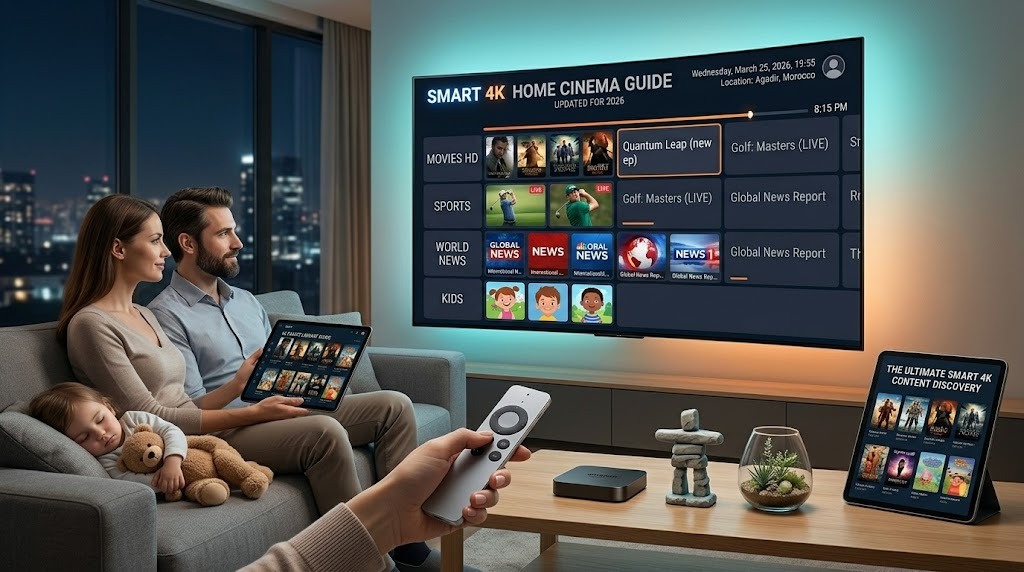
For 2026, the Amazon Firestick continues to be the top choice for IPTV. With its robust hardware, superior Wi-Fi reception, and Android OS foundation, it works in perfect harmony with the anti-freeze technology from ORCA 4K TV.
However, a factory-default Firestick is not configured to deliver maximum streaming performance.
This tutorial provides a complete walkthrough for the ideal setup iptv on firestick, unlocking your device's latent power so you can watch top-tier UK football matches, American football games, and 4K Movies with zero frame drops.
Step 1: Configure Your Device for Sideloading (The "Jailbreak")
The term "jailbreak" can sound intimidating, but it doesn't invalidate your warranty. This process of jailbreak firestick iptv simply enables your device to install applications from outside the official app store (a process called sideloading). This is a crucial step for installing the industry's leading IPTV players, including TiviMate, IPTV Smarters Pro, and the proprietary ORCA 4K TV app.
- Go to Settings (which is the gear symbol located at the far right of your home screen).
- Choose the My Fire TV option.
- Secret Menu Tip: If "Developer Options" is missing, select "About". Next, press the select button on your device's name 7 times in quick succession until a message confirms "You are now a developer."
- Return to the previous screen to find and open the new Developer Options menu.
- Enable both ADB Debugging and Apps from Unknown Sources by toggling them to ON.
Step 2: Install the Downloader Application
To download applications directly from the internet onto your Firestick, a special tool is required. The 'Downloader' app from the official store is the most secure method.
- Use the search function (magnifying glass icon) on your Firestick's main page to find "Downloader".
- Proceed to download and launch the application, which is identifiable by its orange icon.
- Grant it any requested permissions for storage access.
Step 3: Get the Premier IPTV Player (TiviMate)
Although numerous players exist, TiviMate is widely considered the best iptv app for fire tv. It delivers a premium experience with features like a traditional cable-style Electronic Program Guide (EPG) and support for viewing multiple screens at once.
- Launch the Downloader app and select the address bar.
- Input the direct download code:
882894(or an alternative short-code if provided by your service). - The application package (APK) will start downloading automatically. After it completes, select Install.
For optimal performance during major live sports, it is crucial to
clear cache firestick streaming. Navigate to Settings > Applications > Manage Installed Applications > [Your IPTV App] and select Clear Cache. This simple action releases essential RAM needed for smooth 4K 60FPS playback.
Step 4: Integrating ORCA 4K TV with Your Player
Upon registering for your ORCA 4K TV trial or full subscription, you will receive your unique Xtream Codes API login information. These details include:
- A Server URL
- A specific Username
- Your unique Password
Launch TiviMate, click Add Playlist, and then pick the Xtream Codes Login option. Meticulously input the three pieces of information provided to you.
In less than a minute, the application will populate with over 22,000 live television channels and a vast library of films, all automatically sorted by region (e.g., USA Local Channels, UK Sports, Canada the out-of-market hockey package).
The Critical Role of a Premium Provider
Even with the most advanced hardware, such as a firestick 4k max iptv setup connected via ethernet to a gigabit internet service, a subpar provider will still cause buffering during peak events like American football Sunday or a MMA pay-per-views Pay-Per-View due to server overload.
To prevent this, ORCA 4K TV operates on a proprietary global CDN. This network, with nodes in over 60 countries, dynamically balances traffic to ensure an impeccable 99.9% uptime, even during high-demand periods.
Ready to Cut the Cord?
Begin your complimentary ORCA 4K TV trial now and experience the superior performance of a top-tier service.
💬People Also Ask
How long does Firestick IPTV setup take in 2026?+
What do I need before starting Firestick IPTV setup?+
Should I use M3U URL or Xtream Codes on Firestick?+
Why isn't my IPTV showing 4K on Firestick 4K Max?+
Is sideloading IPTV apps on Firestick legal?+
📚Related Articles
Orca 4K TV is the most stable IPTV - watch every match without buffering
3M +1 FREE • 6M +2 FREE • 12M +3 FREE
Offer valid for new subscribers and single-device plans only.